
This Orlando home records guide helps buyers organize the facts behind a home: which office holds a record, what the record actually says and which questions still need a professional answer. Download the free workbook to turn scattered tabs and screenshots into a clear plan for comparing homes.
Download the free home records workbook (PDF)
12 printable pages. No registration required.
Planning a purchase around Orlando? Ask Daniel Wilson for a personal home-search conversation or call 407-808-9931. Already represented? Use this resource with your own agent.
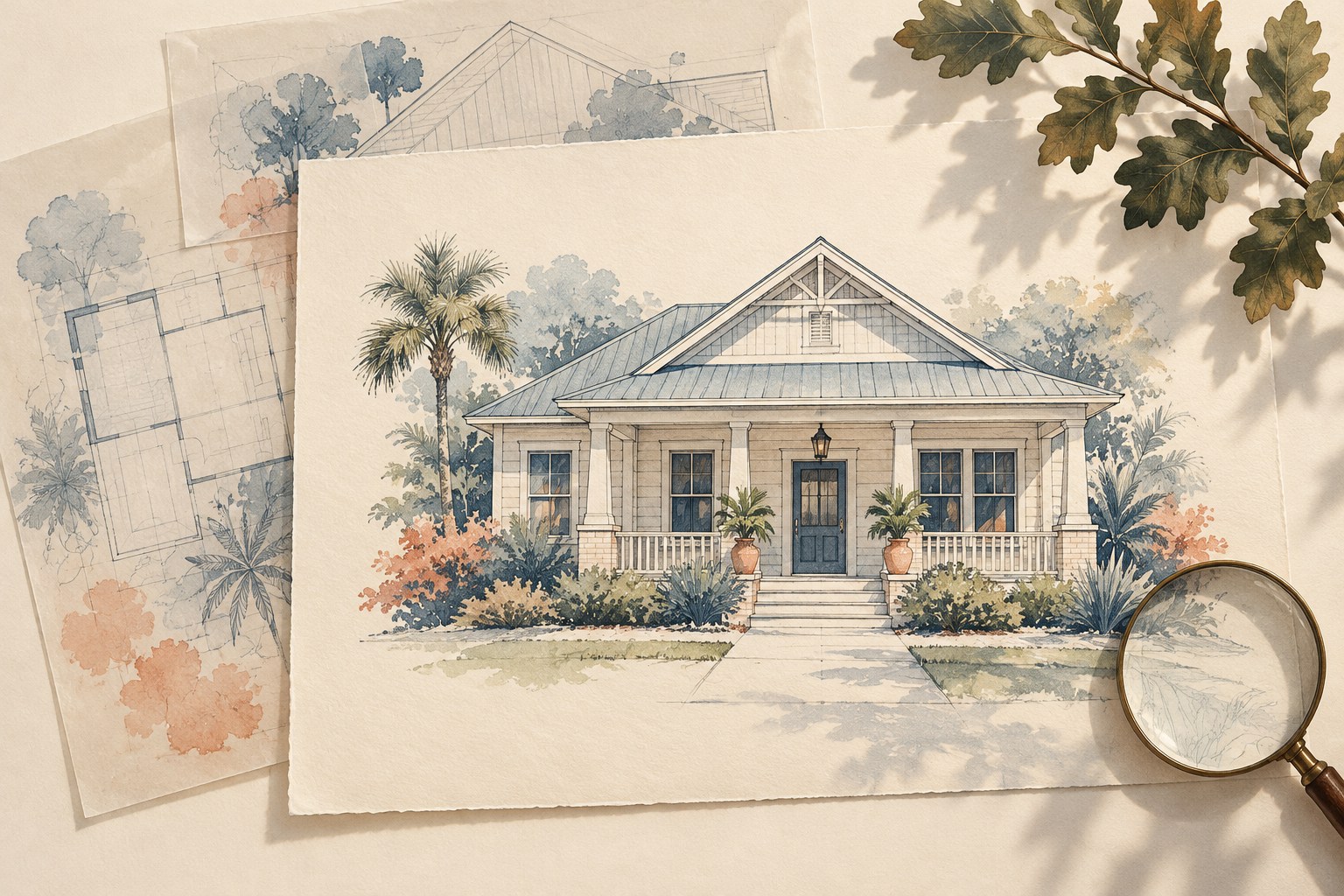
The question behind the listing photo
A home may have the porch, layout and location you want. The next step is understanding which details are documented and which still need clarification. That can be especially useful when two homes look equally appealing online.
Consider a fictional example: a listing describes an enclosed porch as flexible living space, but a record you found uses a different description. That difference is a question to investigate. It is not enough to label the room permitted, unpermitted, correctly measured or suitable for your intended use.
Our original workbook follows a simple sequence: source and date, recorded fact, open question, responsible person and next confirmation. It gives you a consistent place to keep the question while the right office or professional helps resolve it.
Use the Orlando home records guide in 7 checks
1. Match the home to its actual jurisdiction
Start by matching the address, property reference and county before choosing a records portal. Keep your private notes labeled Home A or Home B when sharing an early comparison.
The City’s Check Your Address tool explains that an Orlando mailing address can be outside City limits. A neighborhood name or ZIP code alone does not establish the office responsible for a particular property. Record the source you used and ask the office to clarify anything uncertain.
2. Choose the source that answers your question
Keep different record types in separate rows. The City of Orlando’s Property Information hub routes visitors to permit, appraiser, tax, recorded-document and code-case resources. Each route answers a different kind of question.
For homes in another county, the Florida Department of Revenue’s county-official directory helps locate the relevant property appraiser and tax collector. Confirm the permitting jurisdiction separately. The workbook’s routing sheet lets you write the question first, then choose an office instead of searching every portal at once.
3. Log permit references and the exact displayed status
Orange County’s Fast Track information describes public searches for permits, addresses and parcels. Its permitting FAQ explains where to find status information and direct questions.
Write down the identifier, described scope, status wording, retrieval date and the question you want answered. A search result that does not match is still unresolved; it does not prove that work was never permitted. A permit entry also does not establish today’s condition or provide a warranty.
For a City of Orlando property, use its permit-status assistance page. Despite that page’s title, its instructions concern permit questions, not a complete examination of title. Winter Park buyers can start at the City’s Building & Permitting Services hub, which provides current and archived search routes. Ask where older records are held if a result is missing.
4. Turn a mismatch into a precise question
Copy the source’s description into your private log, then note what differs from the listing statement or another reference. Keep facts and assumptions in separate spaces. The useful question is specific: “Which document explains this room’s description, and who can confirm the detail I need?”
Our repeatable follow-up sheet helps you record one issue at a time. It leaves room for a record reference, a response, remaining uncertainty and the next person to ask. Technical condition, measurements, boundaries and legal use require the appropriate qualified review; the worksheet does not decide them.
5. Describe your future plans before assuming they work
Do you want to add space, change a layout or use a detached structure in a particular way? Write the intended change in plain language. Ask which planning, building and private-association questions apply to that actual property before relying on the idea.
Orlando’s Residential Development Standards Guide notes that some requirements are site-specific and that City Code controls if the reference page conflicts with it. Use the relevant authority for the address; a map label or a general guide is not permission for your project.
6. Keep flood-map references separate from coverage questions
Use the FEMA Flood Map Service Center to locate official flood-hazard information. Record the product reference, available effective date and the date you retrieved it. FEMA notes that effective information can change over time, so keep the reference rather than an unlabeled screenshot.
NFIP’s FloodSmart guidance explains that lower mapped risk does not mean no flood risk and that most homeowners insurance does not cover flood damage. Ask your insurance professional about coverage and your lender about its requirements. A map label alone does not determine coverage, cost or a home’s complete risk.
7. Give recorded-document and title questions the right review
The Orange County Comptroller’s Official Records FAQ explains its record-search role and limitations, including that it does not certify that a property has no liens. Keep document references and questions for your title or closing professional and attorney as appropriate.
Finding a public document is different from determining its legal effect or completing a title examination. The workbook gives you space to track who is reviewing the question and what remains open. It creates no contractual notice, deadline extension, approval or right to a particular remedy.
Make the comparison useful to your next decision
The Home A / Home B page compares known information, open questions and the confirmations that matter to your priorities. It does not assign a property a pass, fail or suitability score. A useful next step might be requesting a missing reference or arranging qualified review, rather than guessing from the available description.
This approach works across Daniel’s Orlando-area service focus, including College Park and 32804, Winter Park, Baldwin Park, Audubon Park, Downtown Orlando, Lake Nona, Mills 50 / Colonialtown and Delaney Park. College Park and ZIP 32804 are not interchangeable boundaries. A property’s records and obligations depend on its actual address and circumstances, not the neighborhood label.
For other buying steps, explore the Orlando home buyer’s guide, home-inspection resource and final-walkthrough checklist. Each addresses a separate part of the process.
Download your Orlando home records guide workbook
The free 12-page printable contains a record-routing plan, identity and jurisdiction organizer, source-comparison sheets, permit log, future-use questions, flood and insurance organizer, professional-review tracker, two-home comparison and official sources. Use it for handwritten notes; it is not an electronic form.
Get the free buyer records workbook
Want help organizing your Orlando home search? Tell Daniel your preferred area, approximate timing and one question you want to resolve. Request a personal buying conversation or call 407-808-9931. Keep contracts, IDs, financial details and private transaction documents out of the ordinary inquiry form. Already working with an agent? Use the guide with them.
By Daniel Wilson, Top Orlando Living | RE/MAX Town Centre. Sources reviewed October 28, 2026. Educational record-organizing resource, not legal, tax, insurance, inspection, survey, engineering or title advice; not a certification of a property or complete due diligence. Actual agreements, authorities and qualified professionals govern your decisions. No source listed endorses this guide or business.
