
College Park listing photos should help a buyer understand the home they can actually visit. Attractive light and thoughtful preparation matter, but a photograph also creates an expectation about layout, condition and outdoor space. The strongest preparation makes those expectations clearer.
This is a photography-day plan, not a request to redecorate every room. It helps you choose a truthful shot list, remove distracting personal information and review the finished images before marketing begins. A buyer who understands the property is better positioned to decide whether to schedule a visit and what questions to bring.
Plan your next step: Ask Daniel Wilson for a listing-photo plan. Include your property address, expected move month and main priority. Keep private documents out of the contact form. Or call (407) 808-9931.
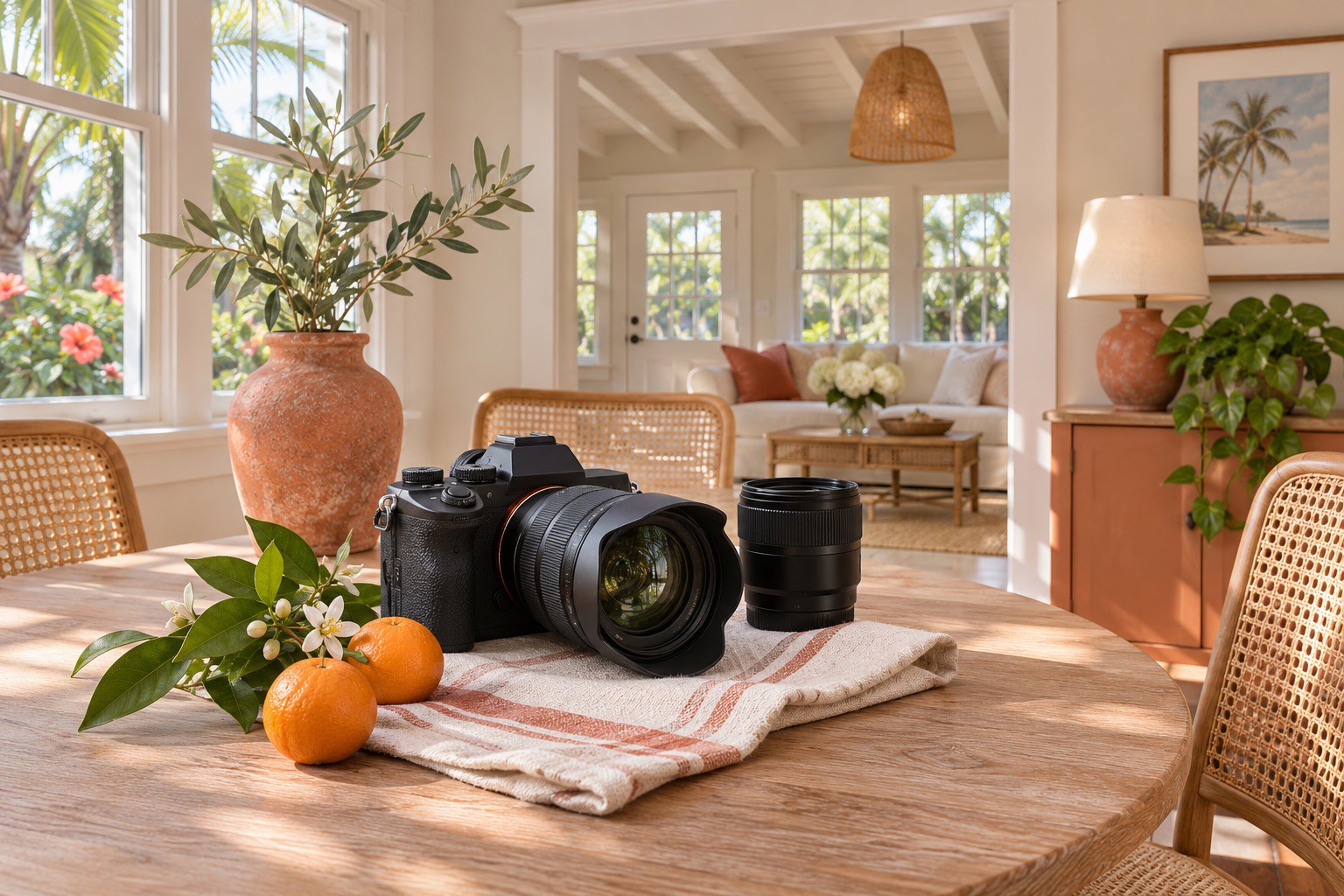
1. Give College Park listing photos a clear job
Walk through the home with your agent and list the features the photographs need to explain. A connected kitchen and dining area may need a wider contextual view; a separate workspace may need a doorway view showing how it relates to the rest of the house. Identify what makes the layout understandable.
NAR’s marketing guide includes photography among the tools used to present a property. Your specific shot list should follow the home’s real strengths rather than a fixed quota of impressive-looking images.
2. Plan the route before arranging objects
Start at the actual entry a buyer would use and follow a sensible room sequence. Note rooms with multiple doors, changes in floor level and access to outdoor areas. The photographer can choose the angles; your job is to flag features that could be confusing if shown in isolation.
Keep furniture believable for the space. Avoid moving everything out of the frame if it makes the next room impassable or disguises the way the home functions. When a space has more than one possible use, show its current setup accurately and let the description explain options that have been verified.
3. Prepare surfaces without concealing condition
Clean visible surfaces, straighten what remains and remove items that overwhelm the room’s purpose. A simple tabletop or clear counter gives the eye somewhere to rest. Check the whole frame, including reflective appliances, mirrors and the view through an open doorway.
Do not use furnishings, towels or a carefully placed object to conceal a known problem. If a surface has a condition concern, discuss accurate presentation and the relevant disclosure process with your agent. Preparation should help a buyer see the property, not create a surprise when they arrive.
4. Use a privacy pass before the camera arrives
Look for mail, calendars, school names, family photographs, financial statements and information visible on screens. Remove or secure them before photography starts. Check mirrors and glass, which may reveal details outside the main composition. Set aside keys, medications and valuables rather than leaving them for a photographer to relocate.
NAR’s privacy and safety guidance is a useful starting point for that conversation. Review what may be exposed online before images are distributed, when changing a detail is easier.
5. Set honest editing boundaries for College Park listing photos
For College Park listing photos, agree on the editing boundaries in advance. Ask how brightness, lens correction, window views and any virtual staging will be handled. Retain the unaltered source images where appropriate and identify the disclosures required by your agent’s marketing process.
NAR’s staging guide notes that photo enhancements materially altering a property should be disclosed. Do not digitally remove a structural feature, nearby building or condition issue simply because it makes the picture more attractive.
6. Check exterior context and seasonal details
Include useful exterior views that explain the entrance, outdoor areas and relationship between the home and yard. Ask the photographer how to handle vehicles, weather and temporary items. Do not crop or alter the scene in a way that materially misrepresents what a buyer will encounter.
If the home is decorated for a holiday, decide whether a restrained seasonal detail helps or quickly dates the images. Consider a neutral alternative frame for later use. Keep safety barriers, permanent equipment and other meaningful features visible where they are relevant to understanding the property.
7. Review the final set as a buyer would
Look at the images in their proposed order on a phone and a larger screen. Can you understand the floor plan? Is an important room missing? Does the lead image represent the actual home and its current condition? Flag duplicate angles that add length without information.
Check captions and claims alongside the images. A photograph of a nearby amenity should not imply it belongs to the property. Any conceptual or virtually staged image needs honest labeling. Before a caption describes a converted room, an addition or a recent roof update, check the records behind the listing description. Approve the set after the photographs and the written listing agree.
College Park listing photos: your image review worksheet
Use one row for each room or outdoor feature that needs a deliberate decision. Keep your completed sheet for the final image review.
| Space or feature | Question the image should answer | Review before approval |
|---|---|---|
| Entry and main living area | How do people enter and move through it? | Real route and accurate proportions |
| Kitchen and dining | How do the spaces connect? | Clear surfaces, truthful condition |
| Outdoor area | What is included and how is it reached? | Context and permanent features |
| Any edited image | What was changed? | Disclosure and original reference |
Questions about College Park listing photos
Should every room appear in College Park listing photos?
Ask your agent which views best explain the property. A useful complete story matters more than a large image count. If access or privacy limits a room’s photography, plan how to explain it accurately.
Can virtual furniture be added to an empty room?
Discuss appropriate virtual staging with your agent and photographer, including required labeling. It should help illustrate a space without changing its actual structure, dimensions or condition.
Should I use an AI illustration as the listing’s main photo?
Use photographs of the actual property for its listing presentation. Conceptual editorial artwork belongs in clearly labeled educational content, where it cannot be mistaken for the home being offered.
Build College Park listing photos around the home’s real strengths and a clear next step. Contact Daniel Wilson with your property address, move month and main priority, or call (407) 808-9931. Daniel Wilson | Top Orlando Living | RE/MAX Town Centre.
Primary sources checked November 16, 2026. Planning examples are original and should be adapted to your property and written agreements.
Sources: NAR marketing guide; NAR privacy and safety; NAR staging guidance.
